 Web HostingMost affordable shared hosting from TZS 9,100 per year
 Dedicated ServersExperience unmatched power and control with a physical server in Tanzania.
 WordPress HostingHigh-Speed, Tanzania-Optimized WordPress Hosting
 Windows HostingOptimized for Windows-based applications and websites
 cPanel HostingUser-friendly hosting powered by cPanel
 Email HostingProfessional Tanzanian email hosting for your .co.tz domain (Secure, reliable, and Swahili-supported)
 Reseller HostingLaunch your own hosting business with minimal technical requirements
 Affiliate ProgramEarn referral commissions by promoting our services
 DomainsFind and register available domain names in seconds
 Domain TransferMove your domain to us with zero downtime and full control
 .co.tzSecure the trusted .co.tz domain made for Tanzanian businesses.
 .tz DomainClaim the official .tz domain for national trust and recognition.
 .com DomainSecure the trusted .com domain for Tanzanian businesses.
 Supported Tlds (glTLDs and ccTLDs)Browse and register domain extensions from around the world
 Whois Lookup | Find Out Who Owns a DomainLook up domain ownership, expiry dates, and registrar information
 VPS
VPS VPS Hosting TanzaniaDedicated resources. Tanzanian performance. Full server control.
 Managed VPS TanzaniaNot a tech expert? Choose a managed Tanzania VPS.
 Website BuilderEasily build beautiful websites with drag-and-drop simplicity.
 Online ShopLaunch a professional e-commerce store without writing code.
 BlogFind latest business, marketing, and tutorials
Buying a domain gives your business an online address. It does not automatically create a website, an inbox, or a steady stream of customers. Your next job is to secure that address, connect it to the right services, and make it easy for a visitor to contact or buy from you.
Here is what to do after buying a domain name in Tanzania, in the order that avoids the most common ownership, DNS, email, and renewal problems.
1) Give the domain a clear job
A domain can perform several jobs. Decide which one you need before changing its settings:
Launch a website: Connect it to web hosting, then install WordPress or upload your site.
Build without code: Connect it to a visual website builder.
Use business email first: Create addresses such as
[email protected]while the full site is still in progress.Send visitors to an existing page: Redirect the domain to your current shop, booking page, portfolio, or main website.
Reserve the name: Keep it registered and protected until you are ready to launch.
ICANN explains that registering a domain and hosting a website are separate services. A parked page often means the name has no live website yet. A browser error can also point to missing or incorrect DNS or hosting.
If you want a normal business website, the practical next step is to choose one of our web hosting plans and put your domain online.
2) Confirm that you control the registration
Do this before a developer builds the site or an agency starts managing your DNS.
Log in to the registrar account and check the registrant name, email address, phone number, and organisation.
The TCRA .tz domain FAQ states that TCRA recognises the company or person in the registry’s registrant field as the domain holder.
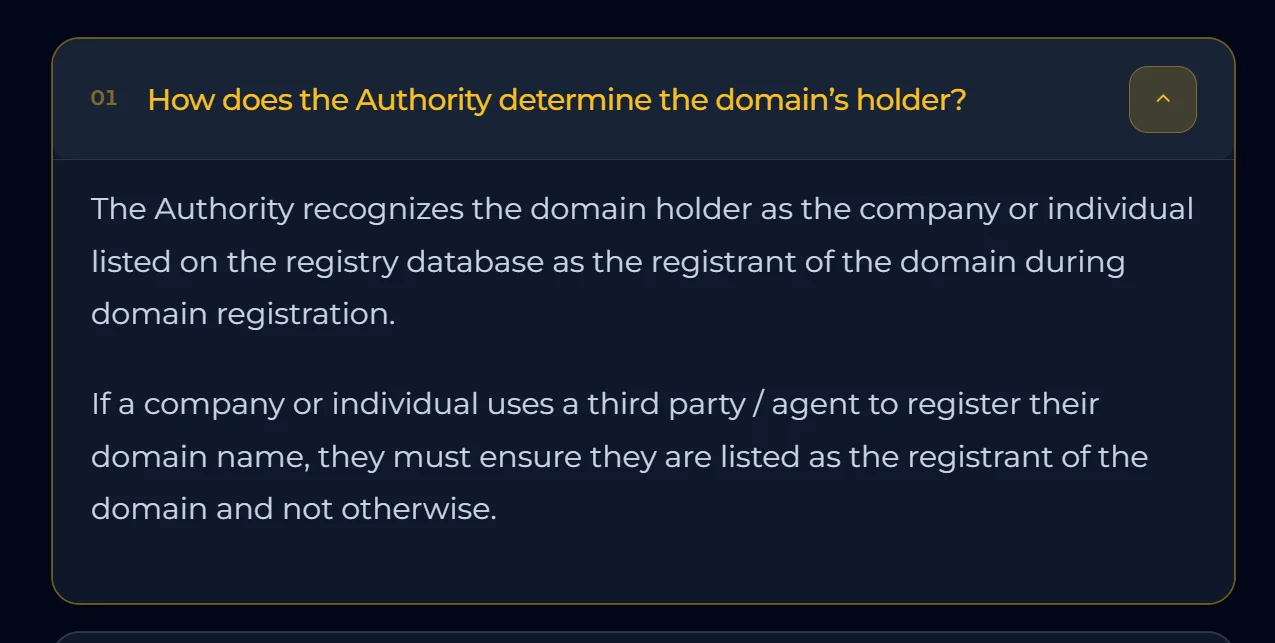
If an agent registered the domain for you, your details should still appear as the registrant.
Administrative and technical contacts may manage renewals or DNS, but those roles do not replace the registrant. If a web designer used their own name or email, ask the registrar to correct the record while everyone is still available.
Keep these details in a secure business record:
registrar name and login page;
account or customer ID;
domain receipt and registration date;
expiry date and renewal method;
registrant and recovery email addresses; and
the person authorised to approve DNS or ownership changes.
You can inspect a .tz record through the official Tanzania registry lookup. For a generic extension such as .com, use ICANN Lookup. Privacy controls may hide some public details, so confirm the complete record inside your registrar dashboard as well.
3) Secure the account and prevent an avoidable expiry
Your registrar login can control where the website and email go. Protect it as carefully as your business bank login.
Follow ICANN’s domain-account security guidance: use a unique password and enable multi-factor authentication if the registrar supports it.
Set a recovery email that does not depend on the new domain. Otherwise, an email outage could also block account recovery.
Next, turn on the transfer lock where available, save backup recovery codes, and never share the main login when a delegated user can do the job.
If your registrar offers it, enable auto-renew, keep the payment method current, and add your own calendar reminders. Auto-renew reduces risk, but it can still fail because a card expires or an account balance runs low.
Important for
.tzdomains: TCRA gives a.tzdomain 30 days in expiry, followed by 30 days in Out-of-Zone, when DNS no longer resolves. At the end of Out-of-Zone, the registry deletes the domain, which immediately becomes available for another registrant. Do not treat either window as a renewal plan.
Renewal rules for extensions such as .com can differ. Check the notices and terms in the registrar account that manages your specific domain.
4) Connect the domain to hosting without disrupting email
DNS records act like routing instructions. They tell browsers where to find your website and mail systems where to deliver messages. Your host will normally give you either nameservers or individual records such as an A record or CNAME.
Before changing anything, take a screenshot or export the current DNS zone. This matters if the domain already receives email. Changing nameservers can move control of the entire zone to another provider, so missing MX or TXT records could interrupt mail even when the website works.
Use this sequence:
Get the exact nameservers or DNS records from your hosting provider.
Record any existing website, email, verification, and subdomain entries.
Enter the supplied values in the registrar’s DNS panel without adding spaces or guessing alternatives.
Save the change once, then allow DNS caches to update.
Test the bare domain, the
wwwversion, and email separately.
Do not expect every network to refresh DNS on a fixed schedule. Different networks may refresh cached records at different points. Repeatedly changing the values while they update makes troubleshooting harder.
If another company hosts the site, follow our guide to changing domain nameservers to point to another provider. If you need to decode a value first, use the guide to domain DNS records in Tanzania.
5) Publish the smallest site that can win an enquiry
You do not need twenty pages before launch. A focused first version should answer five questions quickly:
What do you sell or do?
Who is it for, and where do you serve them?
Why should the visitor trust you?
What should the visitor do next?
How can they reach you if they have a question?
Start with a home page, a service or product page, a short About section, and a contact page. Add real proof such as completed work, clear policies, customer feedback you have permission to publish, or verifiable credentials. Use one main action, such as requesting a quote, calling, sending a WhatsApp message, booking, or buying.
Write that action as a specific button label. “Request a website quote” gives the visitor more confidence than “Learn more.” Keep the phone number and primary action easy to find on a small screen, then test every button on an actual phone.
For a quicker no-code route, our website builder lets you connect an existing domain and work from a visual editor. If you prefer WordPress, follow the one-click WordPress installation guide after activating compatible hosting.
6) Create business email and authenticate it
A domain-branded address gives customers a recognisable business contact. Create only the inboxes you can monitor, for example hello@, sales@, or a named address for the owner. Route the website contact form to an active inbox and send a test submission before launch.
The domain’s email records need as much care as the website records:
MX records direct incoming messages to the correct mail servers.
SPF states which systems may send mail for the domain.
DKIM adds a verifiable signature to outgoing messages.
DMARC tells receiving systems how to handle and report messages that fail the required alignment checks.
Copy your email provider’s exact values. Do not paste a sample policy from an unrelated tutorial. Send test messages to and from an external account, check the spam folder, reply, and confirm that password recovery messages reach the right person.
You can set up domain-branded inboxes with email hosting.
7) Activate HTTPS and run a real launch test
HTTPS encrypts the connection between the visitor and the website. Check if your hosting plan activates SSL automatically. If it does not, install a certificate before forcing all traffic to HTTPS. Our SSL installation guide covers the manual route.
Test the website as a customer, not only as its owner:
Open both
yourbrand.co.tzandwww.yourbrand.co.tzin a private browser window.Confirm that both versions reach one preferred HTTPS address without a certificate warning.
Load the main pages on a phone and a computer.
Tap the phone, WhatsApp, map, email, and social links.
Submit every form and confirm both the visitor message and business notification.
Place a test order or booking if the site accepts transactions.
Check the page title, logo, contact details, opening hours, and service area.
Create a restorable backup and record how to recover it.
Fix broken actions before spending money on advertising. A polished home page cannot recover a lead lost to a dead form or an unmonitored inbox.
8) Give Google a reliable route to the new site
Add the domain to Google Search Console after the public pages work. A Search Console Domain property uses a DNS verification record and covers the domain’s protocol and subdomain versions. Add only the TXT or CNAME value that Google supplies.
Submit your XML sitemap and inspect the most important URL. Google notes that a sitemap and an indexing request do not guarantee immediate inclusion. They still help Google discover a new site with few external links. List your preferred HTTPS URLs in the sitemap and remove pages that you do not want indexed.
If the business has an eligible storefront or service area, update its Google Business Profile with the same website, phone number, hours, and business details shown on the site. Consistent information helps a potential customer move from Search or Maps to the right contact point.
9) Keep the domain working after launch
Once a month, test the main enquiry path. Each quarter, review the registrant details, account users, recovery methods, DNS records, SSL status, and backups. Check the expiry date before a campaign, busy season, or major site change.
The goal is to keep a secure path from the domain to a working website, a trusted inbox, and a clear customer action.
Ready to give your new domain a destination? Choose one of our web hosting plans and launch your website.