Web HostingMost affordable shared hosting from TZS 9,100 per year
 Dedicated ServersExperience unmatched power and control with a physical server in Tanzania.
 WordPress HostingHigh-Speed, Tanzania-Optimized WordPress Hosting
 Windows HostingOptimized for Windows-based applications and websites
 cPanel HostingUser-friendly hosting powered by cPanel
 Email HostingProfessional Tanzanian email hosting for your .co.tz domain (Secure, reliable, and Swahili-supported)
 Reseller HostingLaunch your own hosting business with minimal technical requirements
 Affiliate ProgramEarn referral commissions by promoting our services
 DomainsFind and register available domain names in seconds
 Domain TransferMove your domain to us with zero downtime and full control
 .co.tzSecure the trusted .co.tz domain made for Tanzanian businesses.
 .tz DomainClaim the official .tz domain for national trust and recognition.
 .com DomainSecure the trusted .com domain for Tanzanian businesses.
 Supported Tlds (glTLDs and ccTLDs)Browse and register domain extensions from around the world
 Whois Lookup | Find Out Who Owns a DomainLook up domain ownership, expiry dates, and registrar information
 VPS
VPS VPS Hosting TanzaniaDedicated resources. Tanzanian performance. Full server control.
 Managed VPS TanzaniaNot a tech expert? Choose a managed Tanzania VPS.
 Website BuilderEasily build beautiful websites with drag-and-drop simplicity.
 Online ShopLaunch a professional e-commerce store without writing code.
 BlogFind latest business, marketing, and tutorials
 Contact UsContact Truehost TZ | 24/7 Web Hosting Support
Your website can feel perfectly fine…until the day it doesn’t.
The pages may start dragging, and customers complain that things won’t load. Or your shared hosting plan keeps crashing every time your traffic jumps.
At that point, someone usually whispers the same phrase:
“You should move to VPS hosting.”
And that’s where most people get stuck. Because every explanation out there feels packed with jargon and diagrams no one asked for.
But let me simplify this for you.
By the end of this guide, you’ll learn:
- What VPS hosting actually is
- When it becomes the smarter choice
- How it stacks up against shared and dedicated hosting
- Whether it fits your current goals
- And how to pick the right VPS without guessing
Therefore, if your website feels like it’s outgrowing its current home, this guide is all you need to figure out the next move with confidence.
What Is VPS Hosting?
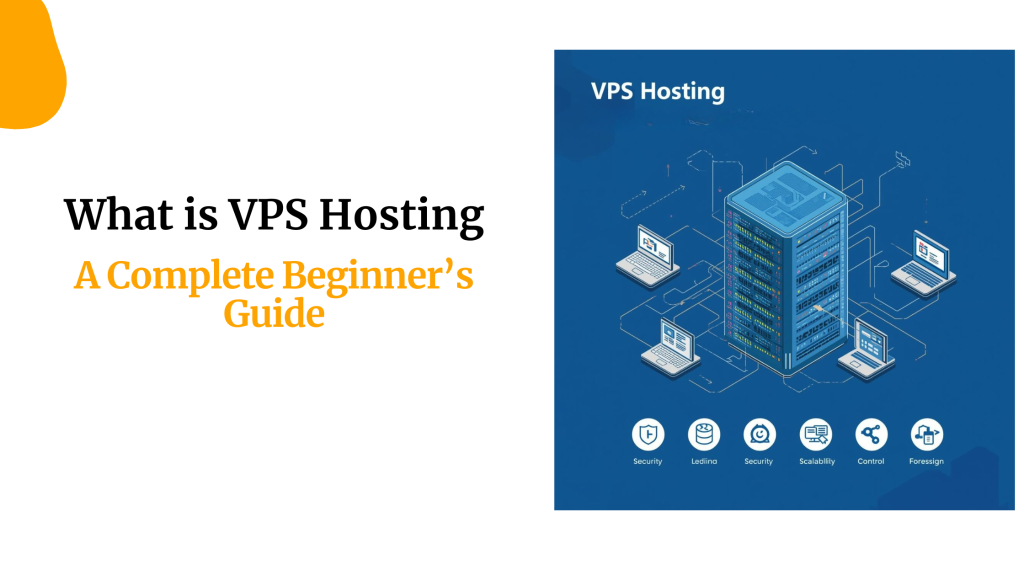
VPS stands for Virtual Private Server, but the idea is simpler than it sounds.
Imagine a big apartment building.
Everyone lives in the same structure, but each person has their own private unit. Their own key. Their own space. Their own rules.
That’s how VPS hosting works.
In other words, it’s a powerful physical server that is divided into multiple virtual spaces.
Each space behaves like its own private server with dedicated CPU, RAM, storage, and security.
So even though you’re technically sharing the building, your apartment stays yours alone.
Nothing is slowing your website, and no random traffic spikes from other users eating your resources.
Plus, your website will not be fighting for memory with hundreds of sites on the same machine, like might happen when on shared hosting.
In fact, you get independence without paying dedicated-server prices.
And that combination, control and affordability, is exactly why VPS hosting can be the savior for your slow site, hosted on a shared server.
But hold on! Keep reading to be sure if VPS is what you really need.
Types of VPS Hosting
You’ve upgraded from shared to VPS hosting, and that’s a plus.
But what if I told you it could work more effectively if it’s the right type?
Usually, many people just choose VPS hosting because it is what they need.
However, they fail to consider the type and hence end up being frustrated, overpaying, or stuck with a setup that doesn’t match their skills.
Don’t set yourself up for that situation.
The VPS hosting is mainly categorized based on three categories, which include management level, operating system, and server infrastructure.
Once you know these, you’ll know exactly what kind of VPS you’re working with or which one you should switch to.
Let’ get started with details on each category
1) VPS Hosting by Management Level
This is the part most beginners get confused about.
But it’s also the most important, because it determines how much work you handle and how much your host handles.
Here you’ll find:
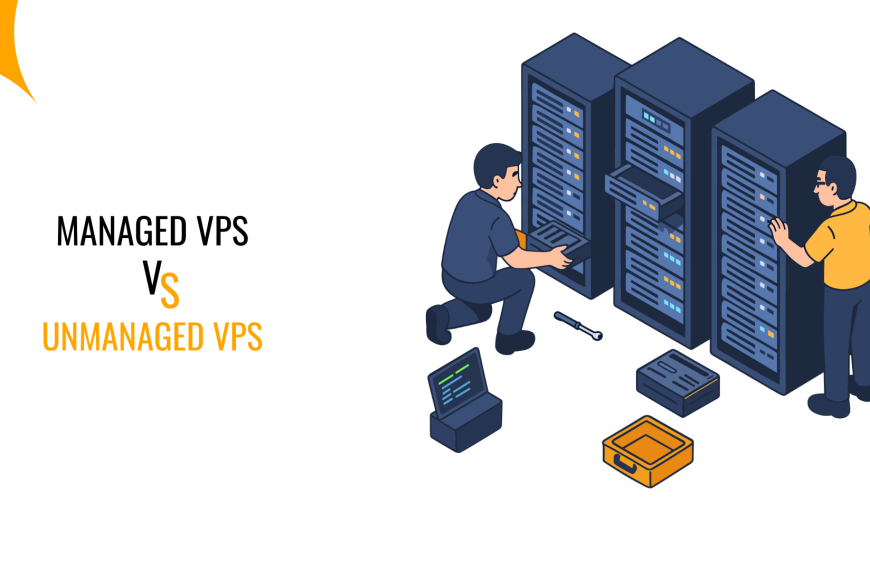
- Managed VPS Hosting: This is for people who don’t want to deal with server headaches. Your provider handles updates, security, monitoring, backups, and the whole thing.
- Unmanaged VPS Hosting: This is the “do everything yourself” version. You start with a blank server and configure everything from scratch. And while it’s powerful and customizable, you need technical skills, or you’ll spend your nights Googling commands.
- Semi-Managed VPS Hosting: Here, the host manages the essential server stuff while you manage your apps and custom configurations. It balances cost and control in a way many growing businesses love.
2) VPS Hosting by Operating System
This part looks simple on the surface.
But choosing the wrong VPS operating system can break your apps, limit your tools, or force you to rebuild everything later.
Here you’ll find:
- Linux VPS: This is the most common and most affordable VPS option. You get open-source tools, strong performance, and the flexibility developers love. Great for projects that don’t require Microsoft technology.
- Windows VPS: This runs on Windows Server and is built for businesses that rely on Microsoft software. If your apps need ASP.NET, MSSQL, or Remote Desktop, this is the only version that makes sense.
3) VPS Hosting by Server Infrastructure
This is where you look under the hood and understand how your VPS is physically built because performance, stability, and scalability all depend on this layer.
Here you’ll find:
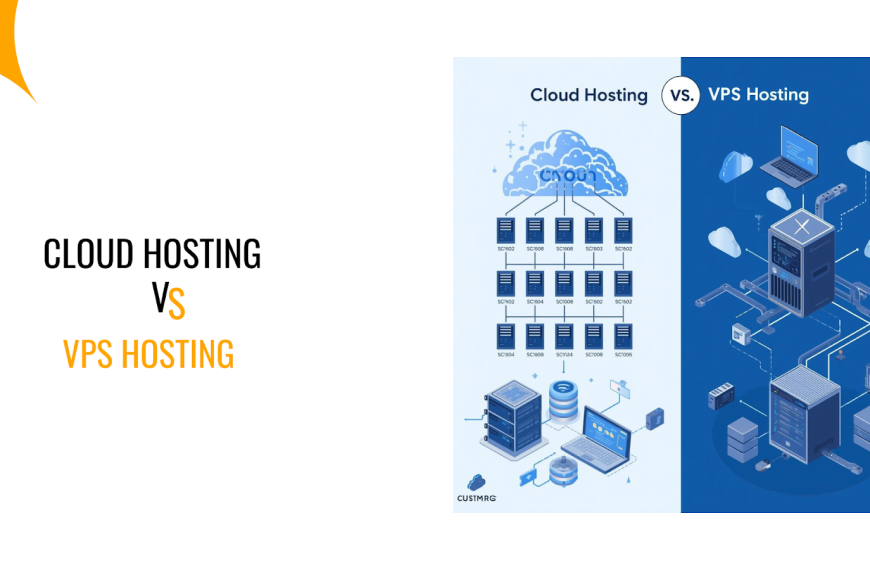
- Traditional VPS: Your resources come from one physical server. It’s predictable, stable, and usually cheaper, but scaling is limited since everything depends on that single machine.
- Cloud VPS: Your VPS is powered by a cluster of connected cloud servers. That means instant scalability, stronger uptime, and better handling of sudden traffic spikes.
When You Should Use VPS Hosting
There’s always a moment when shared hosting starts to fight back.
And you’ll feel it immediately.
Your site gets slower. Visitors start complaining. Simple tasks like updating plugins freeze your dashboard. Pages take forever to load.
These aren’t random issues. Rather, they’re signs you’ve officially outgrown shared hosting.
Here’s when VPS hosting becomes the upgrade that actually makes sense:
- Your website traffic is growing fast, and shared hosting can’t keep up.
- Your site needs more speed and power for a better user experience.
- You run resource-heavy applications like CRM tools, eCommerce stores, learning platforms, or forums.
- You need stronger security because shared hosting exposes you to other sites on the server.
- You want full control to install custom software or configure your environment.
- You’re running multiple projects and need isolated, reliable performance for each.
If any of these sound familiar, VPS hosting isn’t just an upgrade but a relief.
VPS Hosting vs Other Hostings
VPS hosting sits right in the middle of the hosting world.
More powerful than shared hosting, far cheaper than dedicated hosting, and more predictable than cloud hosting.
But each hosting type solves a different problem.
So choosing the right one affects your speed, stability, and how much control you actually have.
Here’s how they compare:
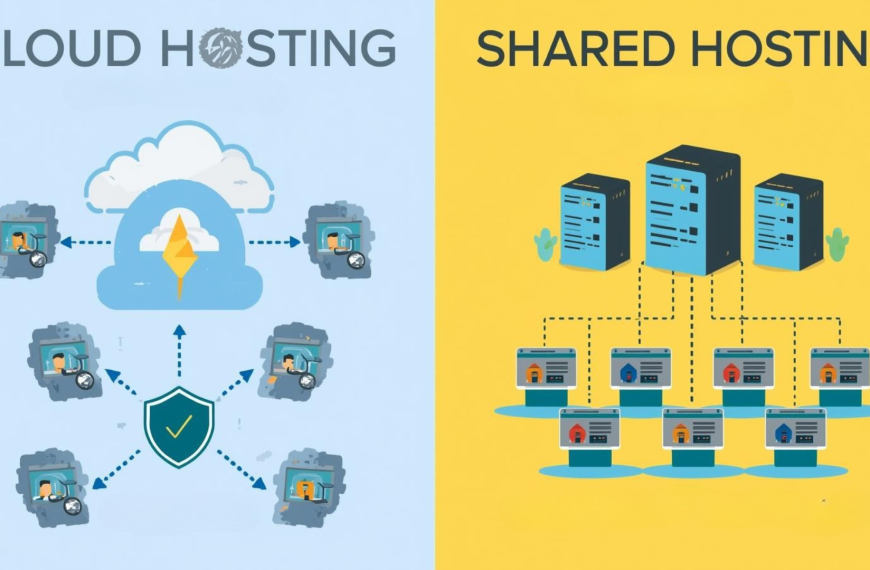
| Hosting Type | Resources | Performance | Cost | Control & Customization | Best For |
| Shared Hosting | Shared with hundreds of other sites | Inconsistent, easily affected by others | Lowest | Very limited | New websites, portfolios, and small blogs |
| VPS Hosting | Dedicated slices of CPU, RAM, and storage | Stable and significantly faster than shared | Mid-range | High | Growing sites, online stores, business apps |
| Cloud Hosting | Distributed across multiple servers | Scales instantly, great for traffic spikes | Variable (usage-based) | High | Apps with unpredictable traffic, SaaS, and fast-growing startups |
| Dedicated Hosting | An entire physical server for one user | Highest, no resource sharing | Highest | Full control over hardware and software | High-traffic platforms, enterprise workloads |
| Managed WordPress Hosting | Tuned for WordPress only | Optimized, fast, hassle-free | Mid to high | Limited to the WP ecosystem | WordPress-only businesses that want zero setup |
So what’s the takeaway?
VPS hosting is the deal for anyone who needs real power without the high cost of a dedicated server.
It gives you privacy, control, and reliable performance without locking you into cloud-style billing or WordPress-only environments.
Therefore, if your site is growing and shared hosting keeps holding you back, VPS hosting is usually the most practical step forward.
Advantages of VPS Hosting
VPS hosting brings a bundle of strengths that make it one of the most practical upgrades for your growing websites.
Here are the key advantages:
- Consistent performance with dedicated resources
- Improved security through isolation
- Greater control and customization
- Smooth scalability for growing traffic
- Stronger reliability than shared hosting
- A balanced cost-to-power ratio
Disadvantages of VPS Hosting
VPS hosting is powerful. But it’s not perfect.
First, there’s cost. VPS is more expensive than shared hosting. If your site is small or just starting, this extra expense can feel unnecessary when paying for resources you might not fully use yet.
Then comes responsibility. Especially with unmanaged VPS, you’re the one in charge.
Installing software, managing security, running updates, and fixing errors are all your responsibilities.
While it’s not hard if you know your way around servers, mistakes happen. And when they do, your site can slow down or worse, go offline.
Nevertheless, VPS hosting resources are limited too.
VPS feels private, but it’s still part of a bigger physical server. So, if your traffic spikes or your applications demand more CPU, RAM, or storage, you’ll need to upgrade. Otherwise, performance suffers.
In short, VPS hosting gives you more control, speed, and reliability than shared hosting. But it comes with higher costs, some technical responsibility, and resource boundaries.
VPS Hosting Pricing
VPS hosting gives you more power and flexibility than shared hosting.
But how much does it cost? The answer depends on what you need.
Resources like RAM, CPU, storage, and bandwidth all affect the price. Plus, whether you choose managed or unmanaged VPS can make a big difference.
At Truehost, we focus on giving you reliable, high-performance VPS hosting without overcomplicating things.
Here’s a look at the packages we offer:
| Package | vCPU | RAM | Storage | Bandwidth | Price (TZS/month) | OS | Location |
| Cloud VPS 1 | 1 Core | 2 GB | 50 GB SSD | 1 TB | 23,400 | Linux | Europe & USA |
| Cloud VPS 2 | 2 Core | 4 GB | 100 GB SSD | 10 TB | 36,400 | Linux | Europe & USA |
| Cloud VPS 3 | 4 Core | 8 GB | 200 GB SSD | 25 TB | 78,000 | Linux | Europe & USA |
Each package is designed for different needs. For example:
- Cloud VPS 1 is ideal if you’re starting or running a small website. You get solid performance without paying too much.
- Cloud VPS 2 suits growing sites or small business applications that need more speed and storage.
- Cloud VPS 3 is for high-traffic sites or larger projects. With extra CPU, RAM, and storage, your site runs smoothly even under heavy load.
The best thing is that all the Truehost VPS plans include the reliability of cloud infrastructure, strong security, and full root access.
That means you can install software, customize configurations, and scale up as your site grows.
Final Thoughts
VPS hosting strikes the balance between power and affordability.
It gives your site speed, security, and control without forcing you to pay for an entire dedicated server.
Therefore, if shared hosting is slowing you down, VPS is the natural upgrade. Stable, predictable, and ready to handle growth without draining your budget.
At Truehost, our VPS plans are built for reliability and ease.
You get fast performance, smooth upgrades, and support that actually helps. No ticket queues, no waiting around.
Ready to take control of your hosting? Explore Truehost VPS plans today and pick the package that fits your needs.